Before Your Order Was Placed
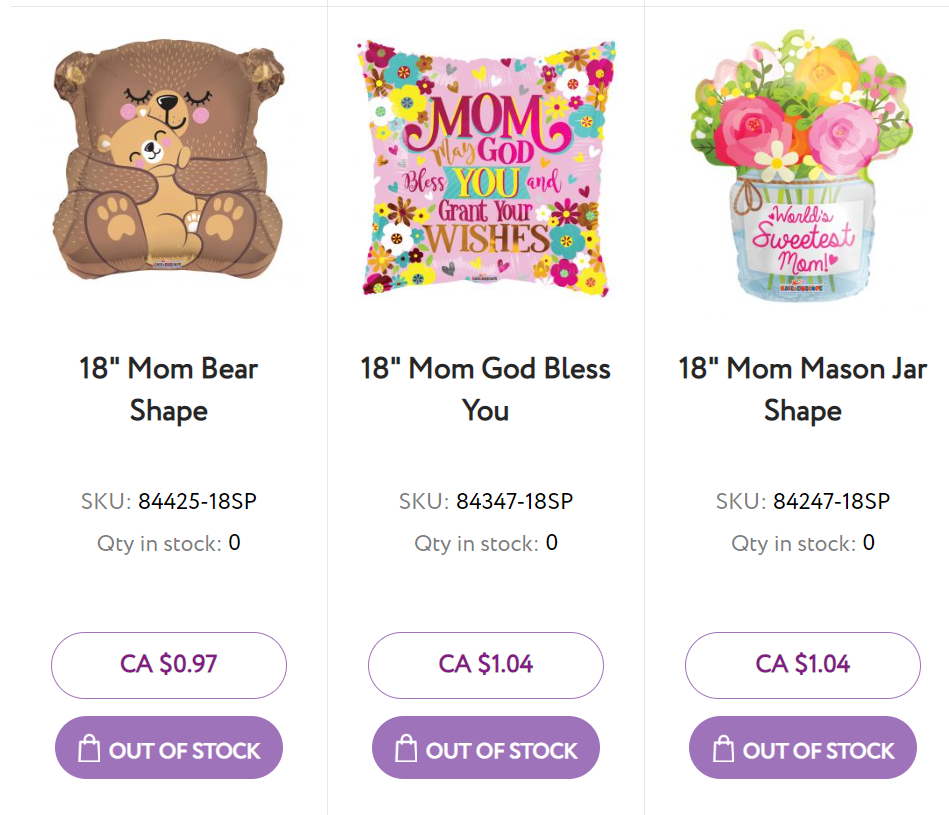
If a product is out of stock, you will not be able to add it to to your cart. As you can see on the images to the left, the purple "Add To Cart" button will say "Out Of Stock" and you will not be able to add this item.
However, you can be notified right away when this product is back in stock!
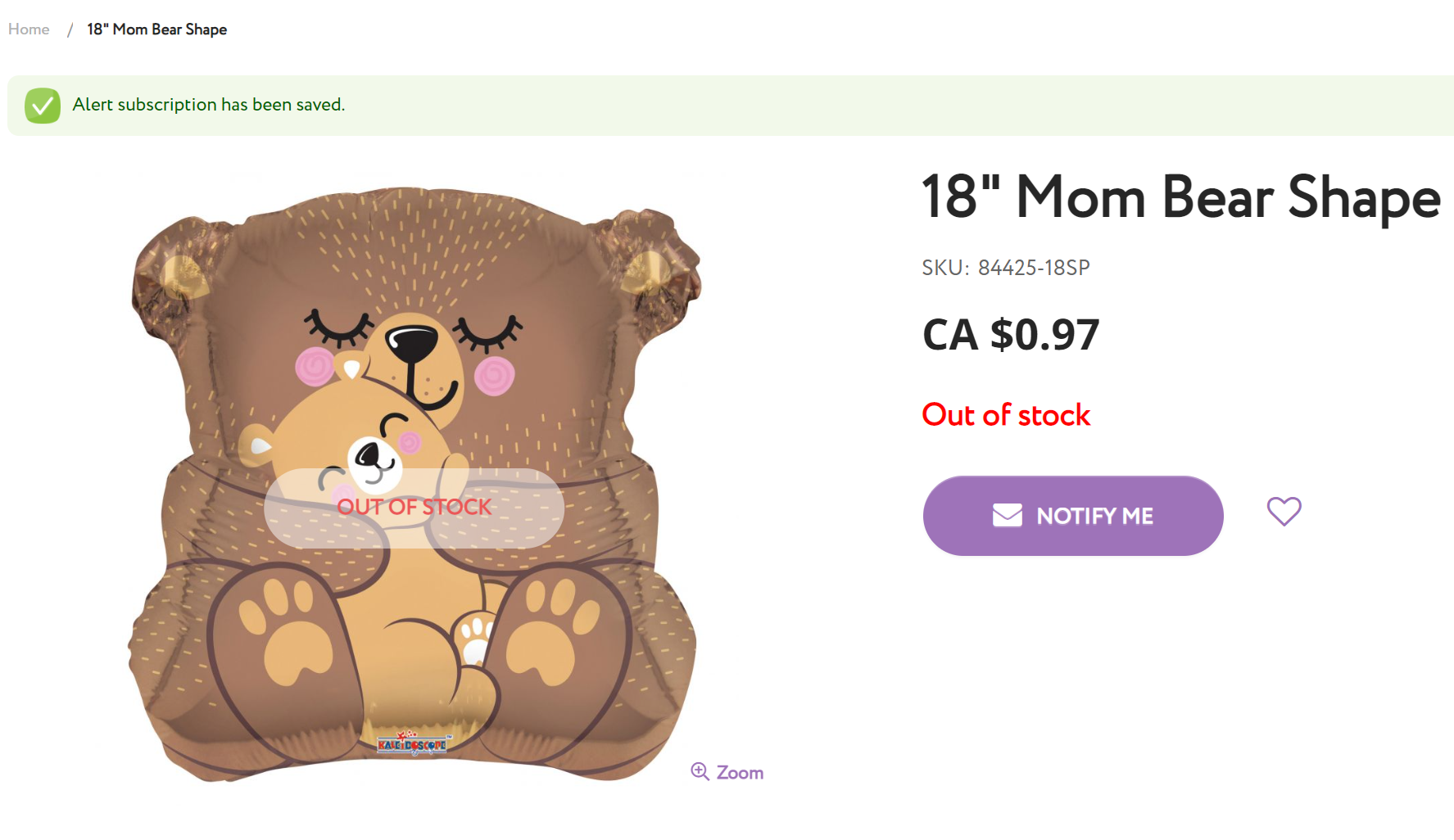
- If you click on the out of stock product, you will be taken to the specific product's page.
- Click on the "Notify Me" tab on the left here, and you will see that there is a purple "Notify Me" button next to out of stock products.
- Click on the "Notify Me" button, you will see a green bar appear at the top that says "Alert subscription has been saved".
- When the product is back in stock, you will receive an email.